Cash Supervisor Process
After the Vault Manager releases the cash, the Cash Supervisor checks and confirms the order before it moves to cash processing.
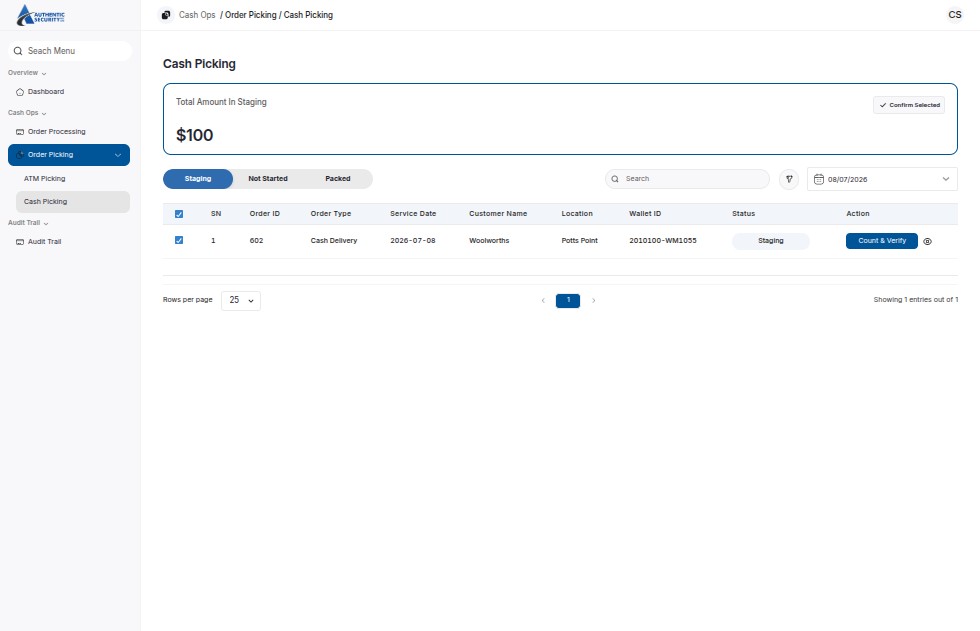
Step 1: Select and Confirm the Order
Log in as Cash Supervisor, select the order, and click Confirm.
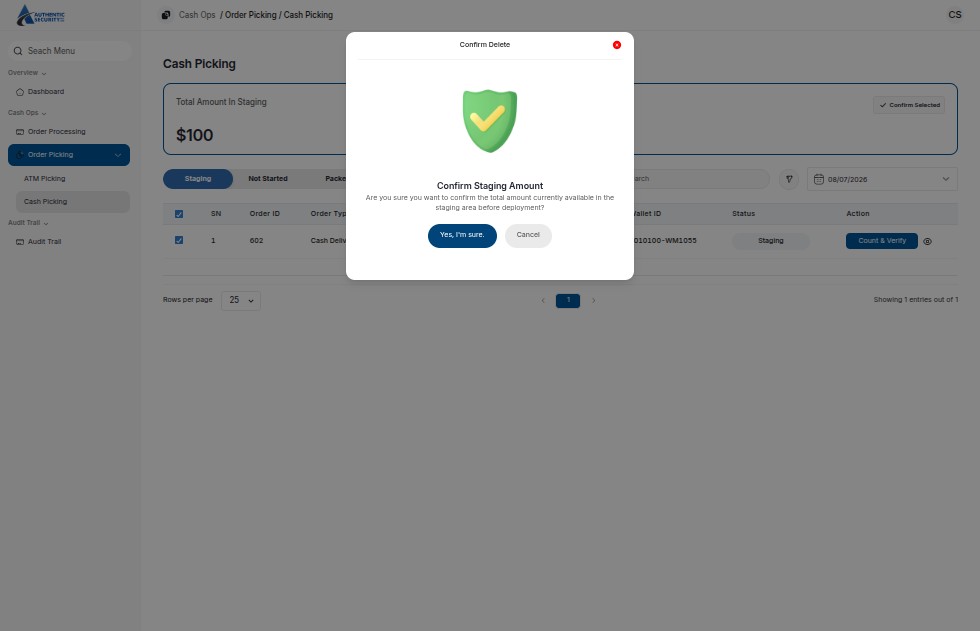
Step 2: Confirm the Supervisor Action
Confirm the action to approve the order.
Summary
The Cash Supervisor step provides a second check on the released order before it's handed to the Cash Processor.
To continue the workflow, proceed to the Cash Processor Process section.